

Small Business Security Audit: Steps to Follow
Quick Summary
A small business security audit is a structured review of your physical and digital protections. Start by setting goals and scope, then inventory your assets and key holders. Next, review locks, keys, and access rules, test each control, and rank the findings in a short report with an action plan.
Set one to three audit goals and define the scope before checking anything.
Build an inventory of physical and digital assets, ranked as high, medium, or low importance.
Count every key and compare it against the current list of key holders.
Turn on multi-factor authentication for email, banking, payroll, and cloud accounts.
Repeat the full audit at least once a year, and after any major change.
Table of Contents
Small Business Security Audit: Steps to Follow
Last Updated: October 29, 2026
Why a Small Business Security Audit Matters and What It Covers
A security audit is a structured review of how well your business protects its people, property, and information.
A security audit checks both physical and digital security. Physical security covers locks, doors, keys, alarms, cameras, and who can enter restricted areas.
Small businesses often skip audits because they assume they are too small to be targets. In practice, many small operations lack dedicated security staff, which makes them easier to exploit.
Physical review: doors, locks, keys, alarms, cameras
Digital review: accounts, passwords, devices, networks, data
People review: who has access, and whether they still need it
Step 1: Set Audit Goals, Scope, and Team Roles
Before you check anything, decide what the audit is for.
Next, define the scope. Decide which locations, systems, and departments the audit covers. A retail store with a back office and a website has more areas to check than a single home-based shop.
Assign roles early. Even a two-person business benefits from a simple split:
Audit lead: owns the schedule and final report
Physical reviewer: checks doors, locks, and keys
Digital reviewer: checks accounts, devices, and software
Set a deadline and a budget. Many checks cost nothing but time. Others, like rekeying locks or upgrading hardware, may require spending.
Step 2: Inventory Your Digital and Physical Assets
You cannot protect what you have not listed. The inventory is the backbone of the entire audit: every later step (access review, control testing, prioritization, reporting) pulls from it. Treat it as a living register, not a one-time list.
A practical small-business inventory has five columns for every item: asset name, location or system, owner, importance (high/medium/low), and evidence or notes. Keep it in a spreadsheet you can share with your team. A free template in Google Sheets or Excel is enough; you do not need asset-management software for a small site.
Physical asset inventory
Walk the premises with a clipboard or phone and record:
Every exterior and interior door, with its lock type (deadbolt, knob lock, padlock, electronic access control) and whether the key is restricted
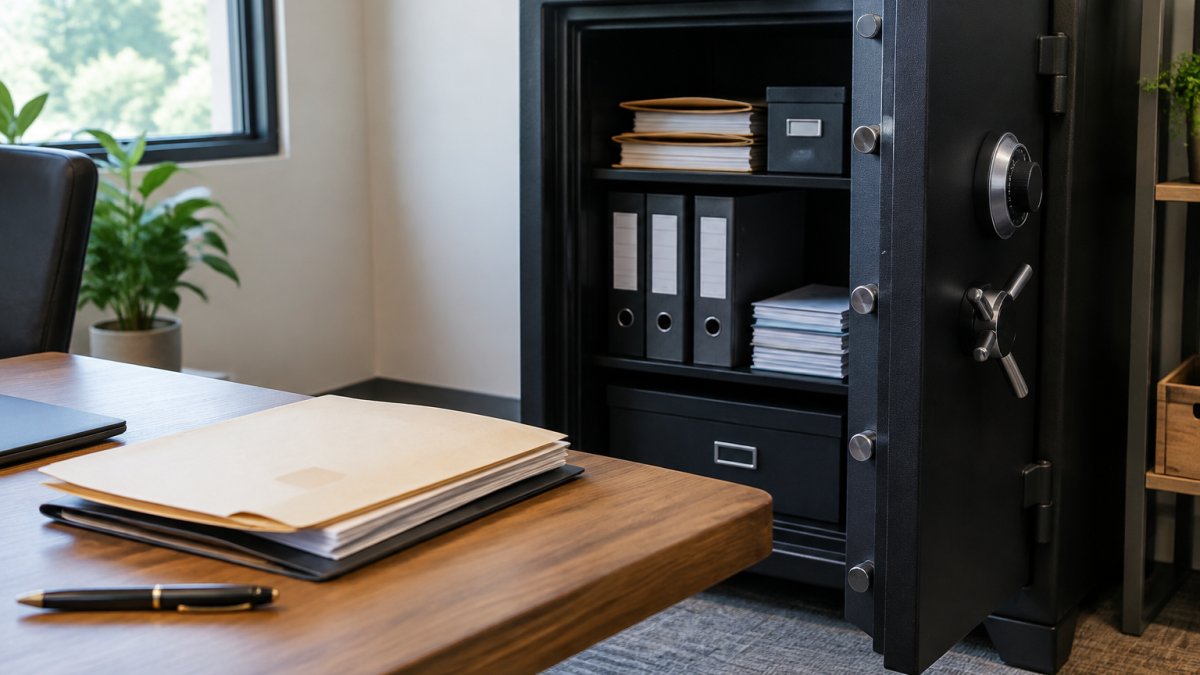
Safes, cash drawers, filing cabinets, and any locked storage, plus who holds the combination or key
Alarm panels, sensors, cameras, and access-control readers, with model numbers and the monitoring company
For each door, note the condition: does it latch fully, is the frame solid, are hinges exposed to the outside? A photo of each door and lock is fast evidence and makes the later report concrete.
Digital asset inventory
List every device, account, and data store the business relies on:
Computers, phones, tablets, printers, and any device that connects to the business network
Email, banking, payroll, accounting, and cloud storage accounts, with the admin name for each
Point-of-sale systems, card readers, and customer databases
A common small-business gap is the shadow asset: a SaaS tool one employee signed up for with a company card, or a personal phone used for business email. Ask each person to list the apps and accounts they use for work, then reconcile that against your list.
Rank importance, then set a review cadence
Mark each item high, medium, or low importance. High-importance items are the ones whose loss or compromise would stop the business, expose customer data, or cost real money: the safe, the customer database, the owner's email account, the point-of-sale system.
Update the inventory when something changes: a new hire, a new device, a new software subscription, a move, or a departed employee. A quarterly 15-minute review keeps it accurate without turning it into a project.
Pro Tip Time estimate: a single-location small business can usually complete a first-pass inventory in two to four hours. The digital side often takes longer than expected because accounts are scattered across personal and business email.
Watch Out Do not store passwords or safe combinations in the inventory spreadsheet itself. Record who owns the asset and where credentials are kept, not the credentials.
The inventory covers five columns for every item, and each asset is ranked by importance so the later steps know where to focus.
Column | What to record |
Asset name | The item being tracked |
Location or system | Where it sits or which system it belongs to |
Owner | The person responsible for it |
Importance | High, medium, or low |
Evidence or notes | Photos, screenshots, or other proof |
Review cadence | Quarterly 15-minute review of the list |
Step 3: Review Access Control, Locks, and Keys
This step is where many small businesses find their biggest problems. See how to duplicate high security keys safely if you need to issue new copies.

Check your locks for wear. A lock that sticks, sits loose, or opens with little force may need service.
Look at your access rules. Ask these questions:
Does every key holder still work for you?
Can staff change alarm codes or access settings without approval?
Do you log who opens restricted areas?
If you find old keys, rekeying the lock is often the fastest fix. A professional locksmith can inspect your locks and confirm what needs changing.
Watch out: Changing a lock without updating the key list leaves you in the same position.
Step 4: Test Controls and Identify Threats
A control is only real if it works when tested. This step turns your inventory into evidence: you check each protection, record whether it passed or failed, and note what could realistically go wrong. A control that exists on paper but fails during testing is a finding, not a pass.
Test physical controls
Work through the high-importance items from Step 2 first:
Doors and locks: try each locked door from the outside. Does it latch fully without lifting or jiggling? Does the deadbolt extend at least one inch into the frame? Is the strike plate secured with screws long enough to reach the wall stud?
Keys: count keys against the key holder list. Ask each holder to show their key. Note any key that cannot be accounted for.
Alarm: arm the system and trigger a sensor with the monitoring company on the phone (or in test mode). Confirm the signal reaches the monitoring center and that the call list is current.
Record each test as pass, fail, or not tested, with a photo or screenshot as evidence. A one-page test log per location is enough.
Test digital controls
Accounts: pull the user list for email, banking, payroll, and cloud storage. Disable or remove accounts for anyone who has left. Look for shared logins and generic accounts like "admin" or "office."
Multi-factor authentication (MFA): confirm it is on for email, banking, payroll, and any account that can move money or access customer data. This is one of the highest-value, lowest-cost fixes available to a small business.
Passwords: run a password-manager health check or built-in security check to flag reused and weak passwords. A password manager also gives you a way to share credentials without emailing them.
Devices: confirm operating system and software updates are applied, full-disk encryption is on for laptops and phones, and screen locks are enabled.
Free and low-cost tools cover most of this: built-in security checkups on major operating systems, a password manager, the admin dashboards of the services you already pay for, and a spreadsheet for the test log. Budget a few hours for a small site; the account review usually takes the longest.
Identify threats with a simple scenario list
Rather than a formal threat model, write down realistic scenarios and check whether a control addresses each one:
Cash or inventory theft after hours
Unauthorized entry by a former employee, contractor, or vendor
Phishing email that captures a login or tricks someone into changing payment details
Lost or stolen laptop or phone containing customer data
For each scenario, note the existing control, the test result, and the gap. This scenario list becomes the raw material for Step 5's prioritization.
Key Takeaway The goal of this step is evidence, not reassurance. If you cannot show a photo, screenshot, or log entry proving a control works, treat it as untested and schedule the test.
Step 5: Prioritize Findings and Write the Audit Report
After testing, you will have a list of problems. Not all of them deserve equal attention. Rank each finding by three factors:
Likelihood: how likely the problem is to be exploited
Impact: how much damage it would cause
Remediation effort: how hard and costly the fix is
A simple way to rank is to score each factor from 1 to 3, then add them. Fix high-impact, low-effort items first. An unused key that opens the cash office is a quick win.
Write a short audit report with these sections:
Summary of goals and scope
Findings, each with evidence such as a photo, screenshot, or key count
Priority ranking
Action plan with owners and deadlines
Keep the report simple enough that you can reread it in a few minutes. Save it where you can find it later, since insurers and auditors may ask for it.
How Often to Conduct a Security Audit and Your Next Step
Most small businesses should run a full security audit at least once a year. Run a quick review after any major change, such as a new employee, a move, a new software system, or a lost key. Read more locksmith articles for practical tips on keeping locks and keys under control.
Use your action plan as a checklist for the next review. Track which fixes are done, and note anything that remains open.
If your audit turns up locks you cannot service yourself, or if you need a full key audit and rekeying, contact Bay Safe and Lock through its website for a current estimate.
Frequently Asked Questions
What are the steps in a small business security audit?
A small business security audit usually follows five steps: set goals and scope, inventory digital and physical assets, review access controls such as locks, keys and user accounts, test controls and identify threats, then prioritize findings and write an action plan. Keep each step to one page of notes so the work stays manageable. Assign one person to own the audit and one to verify fixes, even if both roles fall to the same owner at a shop with a few employees. Pricing for outside help depends on the size of the property, the number of doors and systems, and the scope agreed upon, so contact Bay Safe and Lock through its website for a current estimate.
What should a small business security audit checklist include?
A useful small business security audit checklist covers door locks and key control, alarm and camera coverage, who holds keys and access cards, inactive accounts and administrator passwords, backup and data storage, visitor and after-hours procedures, and a list of vendors with access to the building or network. Mark each item as pass, fail, or not applicable, note the evidence you checked, and record a target date for every fail. Review the checklist after any staff change, lease renewal, or security incident.
How often should a small business conduct a security audit?
Most small businesses should run a full security audit once a year and a lighter review every quarter or after major changes such as a new location, new software, a move to remote work, or a staff departure. Quick checks of key holders and access lists can happen monthly. If an incident occurs, run a focused audit of the affected area within a few weeks so the lessons are fresh and the fixes are documented.
Can a small business conduct its own security audit?
Yes. A business owner or manager can complete the inventory, checklist review, and basic risk ranking without outside help, which keeps costs low. An independent professional adds value when you need technical testing of networks or access control systems, want an objective review for insurance or compliance purposes, or suspect a problem you cannot explain. A locksmith can assess lock and key systems on site, while an IT specialist can review network settings.


Comments